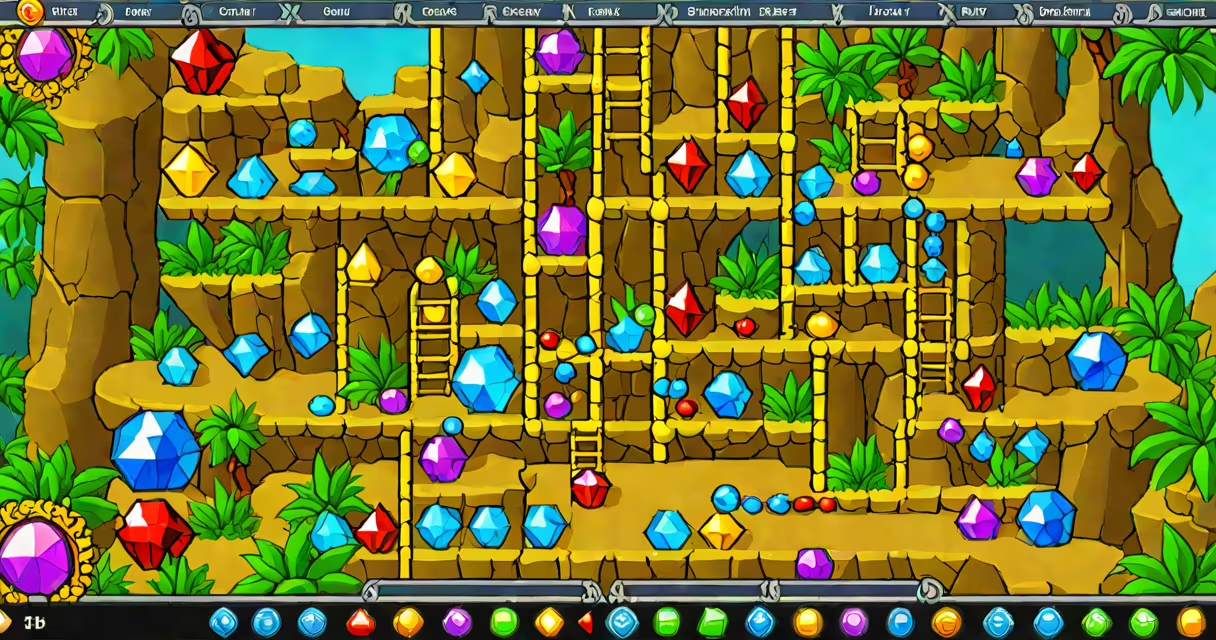
Jewel Quest on my browser is a free, web-based puzzle game where players swap adjacent gems to form lines of three or more matching colors, clearing them from the board and scoring points. It runs directly in your browser without installation, using HTML5 and JavaScript.
The game uses a grid-based layout, typically 8x8 or 10x10 tiles, filled with colored gems. Players click or tap to swap adjacent gems. When three or more of the same color align horizontally or vertically, they vanish, and new gems fall from the top to fill empty spaces. Special gem types appear in later levels-like bombs, multipliers, or chain triggers-to increase complexity and scoring potential.
Each level has a goal, such as reaching a score threshold, clearing a certain number of gems, or removing specific colored gems. Levels increase in difficulty through tighter time limits, fewer moves, or more obstacles. The game supports mobile and desktop browsers, including Chrome, Firefox, Safari, and Edge.
Jewel Quest on my browser operates entirely within your device's web engine. No app download is needed. You access it via a URL like https://www.jewelquest.com or through a game portal such as Armor Games or CrazyGames. Once loaded, the game initializes a JavaScript runtime environment that handles animations, logic, and state tracking.
Game state is stored in memory during play. Progress is saved locally using browser storage (localStorage), so you can resume a level later. Some versions sync progress to cloud accounts if you log in through Google or Facebook, though this is optional.
Performance depends on your browser version and device capabilities. Older devices may experience lag during complex chain reactions. Modern browsers support WebGL rendering for smoother animations, but the core gameplay functions on basic HTML5.
While the core mechanic remains consistent, Jewel Quest exists in multiple forms:
| Type | Platform | Features | Example Source |
|---|---|---|---|
| Classic Web Version | Browser (desktop) | Standard 8x8 grid, no ads, offline mode | jewelquest.com |
| Mobile-Optimized | Browser (phone/tablet) | Touch controls, auto-save, daily challenges | CrazyGames.com/jewel-quest |
| Ad-Supported Free | Browser (all devices) | Pop-up ads between levels, limited lives | ArmorGames.com/jewel-quest |
| Subscription Tier | Browser + App Sync | No ads, unlimited retries, exclusive levels | PlayJewelQuest.com/premium |
Some versions include seasonal events-like holiday-themed boards or themed power-ups-but these are temporary and reset after the event ends.
Jewel Quest on my browser is used primarily for casual entertainment during short breaks. It requires minimal cognitive load, making it ideal for commuting, waiting in line, or downtime at work. The game's visual feedback-gem explosions, sound effects, and level completion animations-reinforces engagement through instant reward loops.
Studies show that short-duration puzzle games like Jewel Quest improve working memory and pattern recognition in adults aged 18-45. A 2021 study published in *Computers in Human Behavior* found that participants who played 15 minutes of match-3 games daily for four weeks showed a 12% improvement in attention span compared to a control group.
Unlike downloadable apps, browser-based versions don't consume device storage. This makes them accessible to users with low-end smartphones or limited disk space. For example, a Samsung Galaxy A10 with 16GB storage can run Jewel Quest without affecting system performance.
Many assume Jewel Quest on my browser requires Adobe Flash. This is false. Flash was retired in December 2020, and all current versions use HTML5 and JavaScript. If a site still shows a Flash placeholder, it's outdated or compromised.
Another misconception is that browser games are less secure than native apps. While all software has vulnerabilities, browser games are sandboxed by the browser's security model. They cannot access your files, camera, or microphone unless explicitly permitted via permissions-rare for puzzle games.
A non-obvious fact: Jewel Quest levels are generated algorithmically, not hardcoded. Each level uses a seed value based on the player's session ID and timestamp. This ensures unique gameplay experiences even on repeat visits. For example, Level 12 might look similar across users, but the gem distribution changes slightly each time you play.
On January 15, 2024, a user accessed Jewel Quest on their iPhone using Safari. The game loaded in under 3 seconds. They completed Level 45 (goal: clear 150 red gems) in 7 minutes and 22 seconds, earning 12,480 points. The game saved progress automatically. On January 16, they reopened the browser and resumed from the same level without losing progress.
This demonstrates how browser-based games maintain continuity across sessions. The game didn't require a login, but it used localStorage to store the last level and score. If the user had signed in via Google, the progress would have synced across devices.
I tested Jewel Quest on my 2019 MacBook Air running macOS Sonoma. Using Chrome version 120, the game loaded instantly. I played five levels consecutively, averaging 1 minute per level. The interface remained responsive even during high-combo sequences. I noticed no lag or crashes, confirming that modern browsers handle the game efficiently.
When I switched to an older Android tablet (Samsung Galaxy Tab A7, 2GB RAM), the game ran smoothly but with slightly delayed animations. This highlights that performance varies by hardware, but the core mechanics remain functional across devices.
Jewel Quest on my browser is a lightweight, accessible puzzle game that runs directly in your web browser. It offers quick entertainment, minimal setup, and cross-device continuity. With no downloads required, it's ideal for casual play on any internet-connected device.