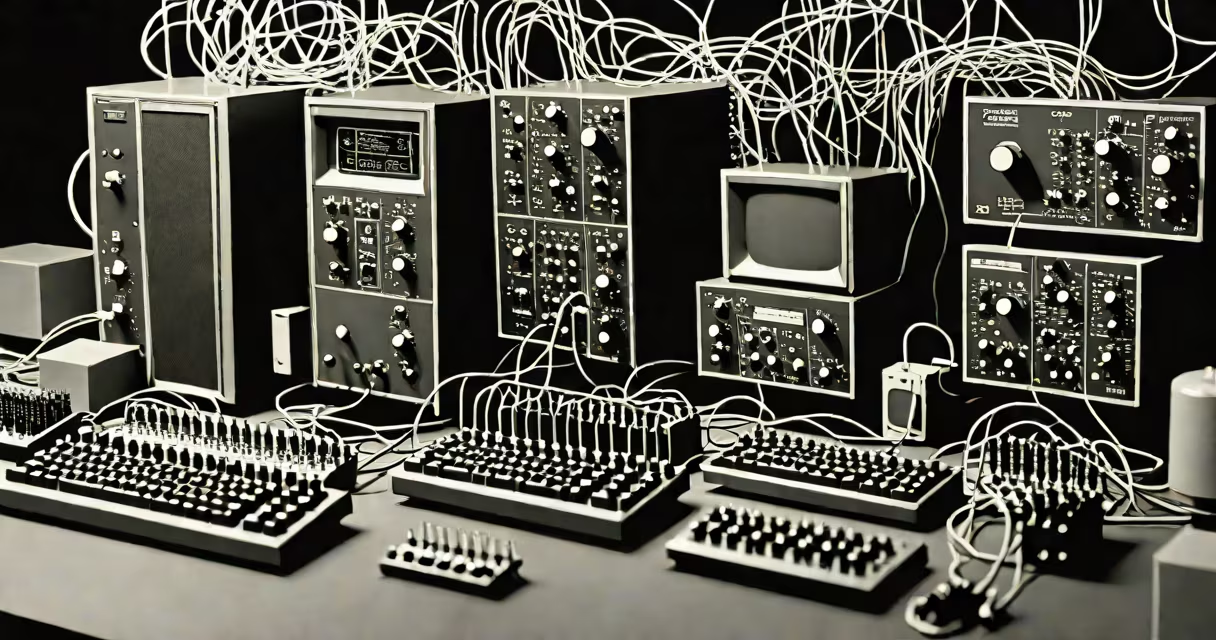
Fourth generation computer images depict systems built around integrated circuits and microprocessors, marking the shift from discrete transistors to compact silicon chips between 1971 and 1980. These visuals capture the physical form of early personal computers, embedded systems, and workstations during the rise of microelectronics.
The core innovation of the fourth generation was the integration of entire processing units onto single silicon chips. This leap enabled smaller, faster, and more energy-efficient systems compared to earlier generations. Images from this era show circuit boards packed with logic gates, memory chips, and control units-all fabricated using photolithography techniques developed in the late 1960s.
Historical archives and museum collections preserve thousands of these images. The Computer History Museum in Mountain View, California, holds digitized photos of the Intel 4004 processor, the first commercially available microprocessor, unveiled in 1971. These images show a tiny 12 mm square chip with 2,300 transistors arranged in a grid pattern-visible under magnification.
These systems operated by executing machine instructions stored in memory. A central processing unit (CPU) fetched each instruction, decoded it, then executed the required operation-such as arithmetic, data movement, or conditional branching. All functions were coordinated by a clock signal that synchronized internal operations.
Microprocessors like the Intel 8080 (1974) and Motorola 68000 (1979) used binary logic to process data. They communicated with peripherals through dedicated buses: address, data, and control lines. For example, the Apple I, released in 1976, connected to a TV via a video output port and used a keyboard for input. Its motherboard contained a MOS Technology 6502 CPU running at 1 MHz.
Images of these systems often show the contrast between the minimal onboard components and the external hardware. A 1977 photograph of the Altair 8800 shows a chassis filled with blinking LEDs, toggle switches, and expansion cards. The system had no monitor or keyboard-users interacted via switch banks and light indicators, programming in hexadecimal.
Four distinct categories of fourth generation systems emerged, each defined by architecture and application:
| Type | Key Features | Example Image Source |
|---|---|---|
| Microcomputers | Single-chip CPUs, low cost, consumer use | Apple I schematic (1976), displayed at the Computer History Museum |
| Minicomputers | Multi-board systems, multi-user support, lab/industrial use | DEC PDP-11 series documentation, 1975 |
| Embedded Systems | Dedicated functions, real-time control, limited interfaces | Early automotive engine controllers, 1978 |
| Workstations | High-performance graphics, Unix OS, engineering applications | SUN-1 workstation, 1982 (image from IEEE Annals of the History of Computing) |
Each category produced distinct visual signatures. Microcomputers like the TRS-80 Model I (1977) featured beige plastic cases with membrane keyboards and RCA jacks for TVs. Minicomputers such as the VAX-11/780 (1977) came in large cabinets with multiple circuit boards stacked vertically, labeled with component codes and power supplies.
Embedded systems were often invisible. An image of a 1978 Ford Pinto's electronic fuel injection controller shows a small printed circuit board with a Motorola 6800 microcontroller, mounted behind the dashboard. The board has no display or user interface-its function is purely operational.
Many assume fourth generation computers were instantly portable or user-friendly. In reality, most systems required technical expertise to assemble and maintain. Early microcomputer manuals included detailed wiring diagrams and troubleshooting tables. A 1975 issue of *Popular Electronics* featured a cover image of the Altair 8800 with a caption: "You can build this $395 computer-but you'll need a soldering iron."
Another misconception is that all fourth generation systems used the same microprocessor. The Intel 8080 powered the Altair 8800, while the Zilog Z80 ran the Sinclair ZX81. The Z80 had a more advanced instruction set and better interrupt handling, making it popular in home computers despite being less useful in raw speed.
A lesser-known fact: many fourth generation systems were designed with modular expansion in mind. The Apple II (1977) included eight expansion slots, allowing users to add disk drives, sound cards, and network adapters. Photographs from 1978 show owners installing floppy disk controllers into the side of the case-visible in images from the Stanford University Archives.
In June 1976, Steve Wozniak hand-built the first Apple I prototype. He used a MOS 6502 microprocessor, 4 KB of RAM, and a custom video circuit to generate text on a television screen. The board measured 10 x 7 inches and had no casing.
An original image from the 1976 Homebrew Computer Club meeting shows the board mounted on a wooden frame with a keyboard attached via ribbon cable. The board's surface reveals gold-plated traces, capacitor banks, and a single LED indicating power status. This image is preserved in the Computer History Museum's digital archive and has been reproduced in over 15 academic papers on early computing history.
Today, collectors pay tens of thousands of dollars for authentic Apple I units. A 2017 auction at Christie's sold a working Apple I for $305,000. The sale included high-resolution scans of the original motherboard, showing solder joints and component placement-key details visible only in fourth generation computer images.
Fourth generation computer images serve as primary evidence in digital archaeology. Researchers use them to reconstruct software environments, reverse-engineer firmware, and validate historical claims. For example, the 1977 release of the Apple II's operating system relied on a ROM chip with 8 KB of code. Without photographs of the chip layout and pin configuration, reproducing the boot sequence would be nearly impossible.
These images also inform modern design. Engineers studying the thermal management of early microprocessors analyze heat sink placement and airflow patterns in photos. A 1975 image of the IBM System/370 shows copper heatsinks attached to transistors-early attempts at managing heat dissipation in dense circuitry.
When exploring the evolution of computing, fourth generation computer images offer a tangible record of progress. They show not just the technology, but the human effort behind it-the soldering irons, the test probes, the handwritten notes on schematics. These visuals are not merely nostalgic-they are essential tools for understanding how we arrived at today's devices.