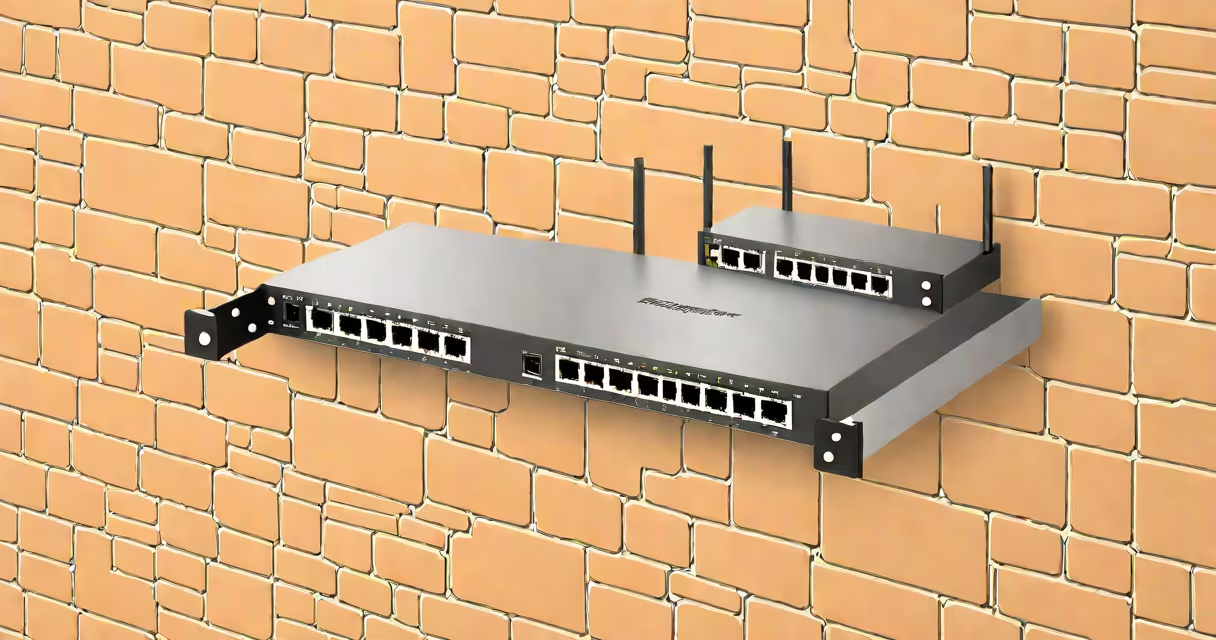
The edgerouter er x sfp is a compact, managed router from Ubiquiti Networks designed for small to medium business environments and advanced home networks. It features a single SFP port that supports fiber-optic connectivity, enabling high-speed, low-latency internet access and secure inter-site links. This model extends the standard EdgeRouter X with hardware-level support for SFP transceivers, allowing direct connection to fiber networks.
Unlike basic consumer routers, the edgerouter er x sfp runs EdgeOS, a Linux-based operating system optimized for routing, firewalling, and traffic shaping. It handles VLANs, QoS policies, and BGP routing natively, making it suitable for environments requiring precise network control. The SFP port accepts standard SFP modules (like 1000BASE-SX or 1000BASE-LX), enabling connections to ISPs using fiber or to other routers across campus or branch networks.
For example, a remote office with a 1 Gbps fiber connection from an ISP can plug a 1000BASE-SX SFP module into the edgerouter er x sfp and connect directly to the provider's optical interface. The router then routes traffic through a configured VLAN, applies bandwidth limits to specific users, and logs all inbound/outbound flows via built-in monitoring tools.
The edgerouter er x sfp operates as a Layer 3 device, meaning it makes routing decisions based on IP addresses rather than MAC addresses. It receives incoming packets from the SFP port, checks their destination IP against its routing table, and forwards them to the correct internal subnet or external interface. This process happens in hardware using a dedicated forwarding engine, ensuring minimal latency even under heavy load.
When a packet arrives via the SFP port, EdgeOS applies firewall rules defined in the configuration. These rules can block traffic based on source IP, port, protocol, or time of day. For instance, a rule can deny all outbound traffic from a guest Wi-Fi network to internal servers while allowing DNS queries and HTTPS access.
Configuration is done via CLI (command-line interface) or a web-based dashboard accessible through a browser. The CLI offers granular control-users can define static routes, configure OSPF, set up IPsec tunnels, or enable SNMP monitoring. A typical setup involves assigning a public IP from the ISP to the SFP interface, setting up NAT for internal devices, and defining a default route to the gateway.
The edgerouter er x sfp includes one SFP slot, four Gigabit Ethernet ports (RJ45), and a single USB 2.0 port. The SFP slot supports standard SFP modules, which are sold separately. Different modules serve different purposes:
| Module Type | Distance | Wavelength | Use Case |
|---|---|---|---|
| 1000BASE-SX | up to 550 meters | 850 nm | Short-range multimode fiber (e.g., within a building) |
| 1000BASE-LX | up to 10 km | 1310 nm | Longer distances, single-mode fiber (e.g., between campuses) |
| 1000BASE-BX10 | 10 km (bidirectional) | 1310/1490 nm | Single-fiber links, common in ISP backbones |
Each module requires a compatible fiber cable and endpoint. For example, connecting to a service provider's GPON terminal requires a 1000BASE-BX10 module and a single-mode fiber cable. Using the wrong module results in no link or intermittent connectivity.
Some users mistakenly assume the SFP port supports 10 Gbps speeds. It does not. The SFP port is limited to 1 Gbps. For higher throughput, models like the EdgeRouter X6 or EdgeSwitch series are required. The edgerouter er x sfp is not designed for carrier-grade deployments or high-volume data centers.
Many users confuse the edgerouter er x sfp with the standard EdgeRouter X. The original EdgeRouter X lacks an SFP port entirely and relies solely on copper Ethernet. The "sfp" in the name denotes the added fiber capability. Purchasing the standard model expecting SFP support leads to hardware mismatch and wasted funds.
Another misconception is that the SFP port automatically enables high availability or failover. It does not. Redundancy must be configured manually-either through dual upstream links with changing routing protocols like OSPF or via a backup WAN connection with failover scripts. Without such setup, a single fiber link failure causes complete network downtime.
A non-obvious fact: the edgerouter er x sfp does not support PoE (Power over Ethernet) on any port. Devices connected via the RJ45 ports must be powered externally. This contrasts with some managed switches or newer EdgeRouter models that include PoE injection. If powering an IP camera or VoIP phone, an external PoE injector or switch is required.
In a small design studio in Portland, Oregon, the team replaced a consumer-grade router with an edgerouter er x sfp to manage a 1 Gbps fiber connection from a local ISP. They purchased a 1000BASE-LX SFP module and ran a single-mode fiber cable from the ISP's demarcation point to the router's SFP port.
Using EdgeOS, they configured a VLAN for designers (VLAN 10), another for guests (VLAN 20), and applied QoS rules to prioritize video conferencing traffic. They enabled SSH access with key-based authentication and set up syslog forwarding to a central server for audit logging. The entire setup took less than 90 minutes, including cable termination and testing.
After deployment, network latency dropped from 45 ms to 12 ms on average, and bandwidth utilization improved due to proper traffic shaping. The studio's IT manager noted that the ability to script changes via CLI reduced configuration drift and improved consistency across multiple sites.