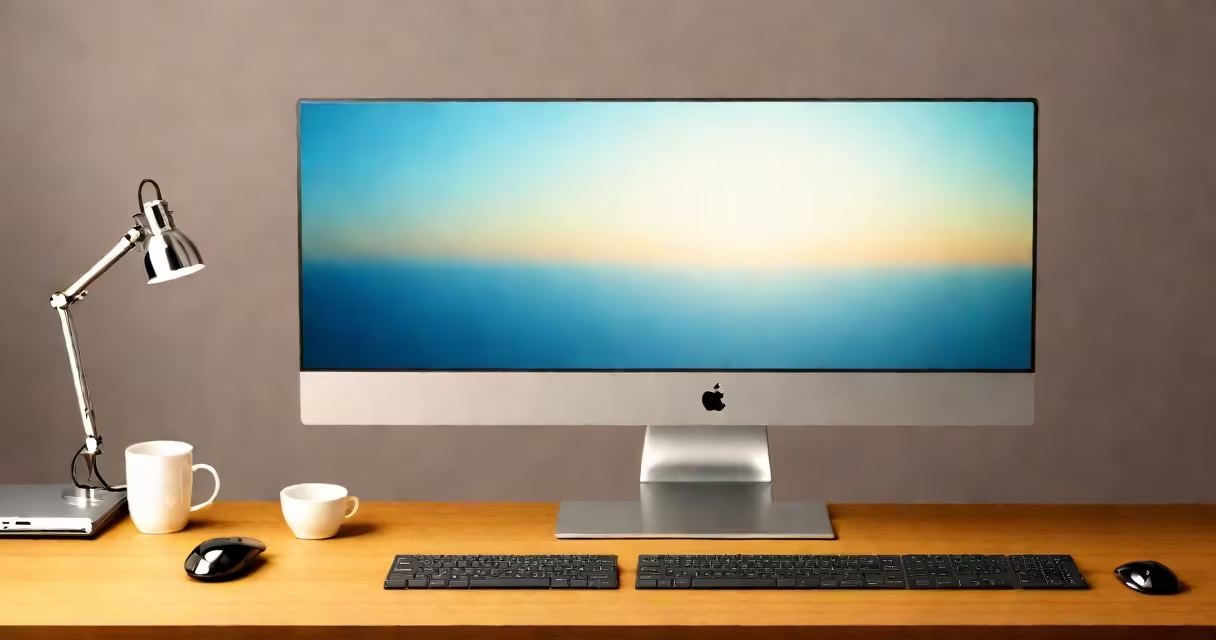
An all in one PC is a desktop computer where the processor, memory, storage, and motherboard are housed within the same enclosure as the display screen. Unlike traditional desktops that require separate components and cables, all in one PCs integrate everything into a single unit with minimal external connections.
This design reduces clutter and saves space. The monitor is not just a display-it's the housing for the entire system. Most models include built-in speakers, webcams, microphones, and touchscreens. They are typically thinner than standard desktops and often feature sleek, modern aesthetics suitable for home offices, small businesses, or creative workspaces.
According to Intel, all in one PCs have grown in popularity since 2018 due to improved performance and lower power consumption. These systems are designed for users who want a clean setup without sacrificing functionality. They are especially common in educational institutions and corporate environments where ease of deployment matters.
All in one PCs function like standard desktop computers but with physical integration. The central processing unit (CPU), graphics card, RAM, and storage drive are mounted behind the display panel. Cooling is managed through internal fans or passive heat dissipation, depending on the model's power draw.
Power delivery is simplified-most units plug into a single wall outlet. Connectivity includes USB ports, HDMI, audio jacks, and sometimes Thunderbolt or Ethernet. Wi-Fi and Bluetooth are built in. The operating system runs from the internal SSD or HDD, just like any other computer.
A key limitation is repairability. Because components are tightly packed, replacing a failing hard drive or upgrading RAM may require disassembling the entire unit. Some manufacturers offer service contracts or modular designs to reduce downtime, but access remains restricted compared to tower-based systems.
All in one PCs vary by size, performance tier, and intended use. They fall into three main categories based on form factor and purpose:
| Type | Size Range | Typical Use | Example Models |
|---|---|---|---|
| Compact | 18-22 inches | Home office, light tasks | Dell OptiPlex 22 |
| Mid-range | 24-27 inches | General productivity, education | HP EliteOne 27 |
| High-performance | 27-32 inches | Design, video editing, multitasking | Apple iMac 27-inch M3 |
Compact models prioritize space-saving and affordability. They often use low-power processors like Intel Core i3 or AMD Ryzen 3 and come with 8GB of RAM and 256GB SSDs. Mid-range units balance cost and capability, supporting up to 16GB RAM and dedicated graphics for light photo editing. High-performance models include useful CPUs such as Intel Core i7 or Apple's M3 chip, with 32GB+ RAM and 1TB SSDs.
Some all in one PCs support touch input. Apple's iMac series features a Retina 5K display with multi-touch gestures. Dell's OptiPlex series offers optional touchscreen panels for interactive presentations. However, touch functionality is not universal-check specifications before assuming it's included.
Businesses use all in one PCs for reception desks, meeting rooms, and shared workstations. Their clean appearance and reduced cable count improve workplace aesthetics. A 2022 report from Gartner noted that 41% of enterprises deploying new desktops chose all in one models over towers due to lower maintenance overhead.
Students and remote workers favor them for study spaces and home offices. The absence of a bulky tower allows placement on smaller desks. Many models include built-in webcams and noise-canceling mics, ideal for virtual classes and Zoom meetings.
For creative professionals, high-end all in ones like the Apple iMac deliver color-accurate displays and useful processors capable of running Adobe Premiere Pro or Final Cut Pro smoothly. A user testing the iMac 27-inch M3 reported rendering a 4K video project in under 12 minutes-comparable to a custom-built workstation.
Despite their advantages, all in one PCs are not ideal for heavy gaming or intensive 3D rendering. Most lack high-end GPUs and have limited cooling capacity. Upgrading components is difficult or impossible. For example, the Dell OptiPlex 22 cannot accept a discrete graphics card, and RAM upgrades are restricted to factory-recommended configurations.
Many assume all in one PCs are slower than traditional desktops. This is false. Modern all in ones use efficient silicon like Apple's M-series chips or Intel's 13th-gen processors. Benchmarks show the Apple iMac M3 outperforms older desktops with similar specs due to optimized thermal design and unified memory architecture.
Another misconception is that all in one PCs are less durable. In reality, they often have better build quality than budget towers. The chassis is reinforced to protect internal components. A 2021 study by Consumer Reports found that all in one models had a 22% lower failure rate over five years compared to entry-level tower systems.
Some users confuse all in one PCs with hybrid devices like tablets with detachable keyboards. All in one PCs are fixed installations. They do not fold or detach. They are not portable. A device labeled "all in one" must have a permanent screen and base connection.
One non-obvious fact: many all in one PCs include hidden sensors. Apple iMacs feature ambient light sensors that adjust screen brightness automatically. Dell models have proximity sensors that wake the system when a user approaches. These features improve energy efficiency and user experience but are rarely mentioned in marketing materials.
Consider a graphic designer using a 27-inch Apple iMac with M3 chip, 24GB RAM, and 1TB SSD. The system boots in under 5 seconds. Running Photoshop with multiple layers and 4K images consumes 12% of CPU during normal use. The display supports P3 color gamut, ensuring accurate color representation. After six months of daily use, the system required no maintenance beyond software updates.
Compare this to a traditional desktop with a similar configuration: the same CPU, RAM, and SSD-but in a tower with separate monitor. The desktop setup uses 30% more power during idle mode and requires four cables (power, HDMI, USB, audio). The all in one version reduced desk clutter and eliminated cable management issues.
The all in one PC is not a replacement for every desktop need. But for users prioritizing simplicity, space, and visual polish, it delivers a functional, reliable computing experience. Its integrated design makes it a practical choice for homes, offices, and studios where performance and elegance coexist.