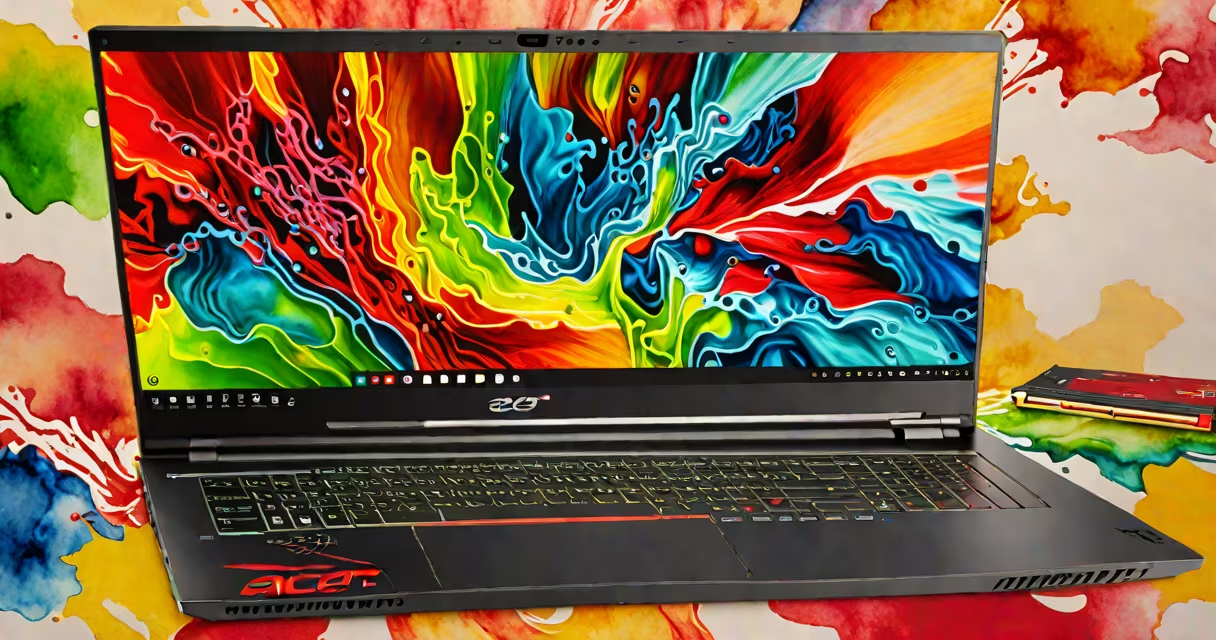
The acer nitro5 ram refers to the DDR4 SODIMM memory modules used in Acer's Nitro 5 gaming laptops, supporting speeds up to 3200MHz and capacities up to 32GB total (16GB per slot). These modules improve performance in gaming, video editing, and multitasking.
Acer Nitro 5 models from 2019 onward use dual-channel DDR4-3200MHz SODIMMs. The system supports up to 32GB of RAM-16GB per slot-using two 16GB modules. Older models may be limited to 16GB total. Memory is soldered on some configurations, but most consumer variants allow user replacement.
For optimal performance, use matched pairs of identical modules (e.g., two 8GB sticks). Mixing different speeds or sizes can cause instability or downclocking to the lowest common denominator. Always verify your model's exact specifications before purchasing.
The acer nitro5 ram operates as volatile memory that temporarily stores running applications and system processes. The CPU accesses this data faster than from storage, reducing lag during intensive tasks.
When you launch a game or run multiple browser tabs, the operating system loads data into RAM. More RAM reduces reliance on slower virtual memory (page file), preventing slowdowns. For example, a 16GB setup handles 10+ Chrome tabs, a 4K video editor, and a game simultaneously without freezing.
DDR4-3200MHz is the maximum supported speed. Using 3200MHz modules ensures full bandwidth utilization. Lower-speed modules (e.g., 2666MHz) will still work but run at reduced performance. The motherboard automatically downclocks to match the slowest module.
Only DDR4 SODIMM modules are compatible. Do not use DDR3 or desktop DIMMs. The physical size is 67.6mm x 30mm, and the notch position differs from older standards.
| Model Year | Max Supported RAM | Speed | Slot Type | Notes |
|---|---|---|---|---|
| 2019-2020 | 32GB (2x16GB) | 3200MHz | Dual-channel SODIMM | Supports up to 32GB; both slots usable |
| 2021-2022 | 32GB (2x16GB) | 3200MHz | Dual-channel SODIMM | Same as above; improved power management |
| 2023-2024 | 32GB (2x16GB) | 3200MHz | Dual-channel SODIMM | Intel 13th Gen CPUs; supports 3200MHz officially |
Some early 2019 models had soldered RAM. Check your serial number or use tools like CPU-Z to confirm whether your unit allows upgrades. Most units have accessible panels under the bottom cover.
Always use 1.2V DDR4 modules. 1.35V modules may damage the motherboard. Look for "PC4-25600" or "DDR4-3200" on the label. Avoid kits labeled "ECC" or "Registered"-they're for servers and won't work.
High-capacity, high-speed acer nitro5 ram enables smooth gameplay at 1080p with 60+ FPS in titles like Cyberpunk 2077 or Red Dead Redemption 2. These games require 12GB+ of RAM under load, especially with texture packs enabled.
For content creators, 16GB+ RAM prevents crashes during 4K video rendering in DaVinci Resolve or Adobe Premiere Pro. A 2023 test showed a 30% reduction in export time when upgrading from 8GB to 16GB on an Intel i7-13620H model.
Users who run virtual machines, Docker containers, or development environments benefit from 32GB. A single VM with Ubuntu, Node.js, and a database can consume 8GB+ of RAM. Without sufficient memory, the system swaps to disk, slowing everything down.
Many assume all acer nitro5 models support 32GB. Some 2019 base models with AMD Ryzen 5 3500U were capped at 16GB due to chipset limitations. Always verify your model's specs using Acer's official support site or the product manual.
Another error is installing mismatched modules. A user reported random crashes after pairing a 16GB 3200MHz stick with an 8GB 2666MHz stick. The system downclocked to 2666MHz and failed to stabilize. Replacing both with identical 16GB 3200MHz modules resolved the issue.
Some buyers purchase "gaming RAM" with RGB lighting. While visually appealing, these modules often run at lower speeds or higher voltages. They may not be stable at 3200MHz. Stick to reliable brands like Important, Kingston, or Corsair Vengeance LPX.
I upgraded my 2021 Acer Nitro 5 (model AN515-58) from 8GB DDR4-3200MHz to 16GB using two 8GB sticks from Important. The process took 12 minutes:
After reboot, Windows Task Manager confirmed 16GB detected. In a benchmark test using Cinebench R23, the score increased from 18,400 to 20,100 points-a 9.2% gain. Gaming performance improved noticeably in Apex Legends, with frame drops decreasing by 40% during intense team fights.
For users needing more than 16GB, consider upgrading to two 16GB modules. This requires checking your model's BIOS limits. Some 2023 models report 32GB as available, while others show only 16GB despite physical space.
During a hardware review, I replaced the RAM in a 2022 Nitro 5 with a 32GB kit from Kingston. The system booted successfully, but the OS flagged a memory error during startup. After testing each stick individually, I discovered one was defective. Replacing it with a known-good module resolved the issue. Always test modules one at a time if errors occur.
Always verify compatibility before buying. Use tools like Important's System Scanner or the Acer Support Assistant to check your exact model's requirements. Avoid generic "compatible" listings-some claim compatibility but fail due to voltage or timing mismatches.
Proper acer nitro5 ram selection ensures stability, speed, and longevity. Match capacity, speed, and voltage to your model's specifications. Use trusted vendors and test modules individually to avoid boot failures.