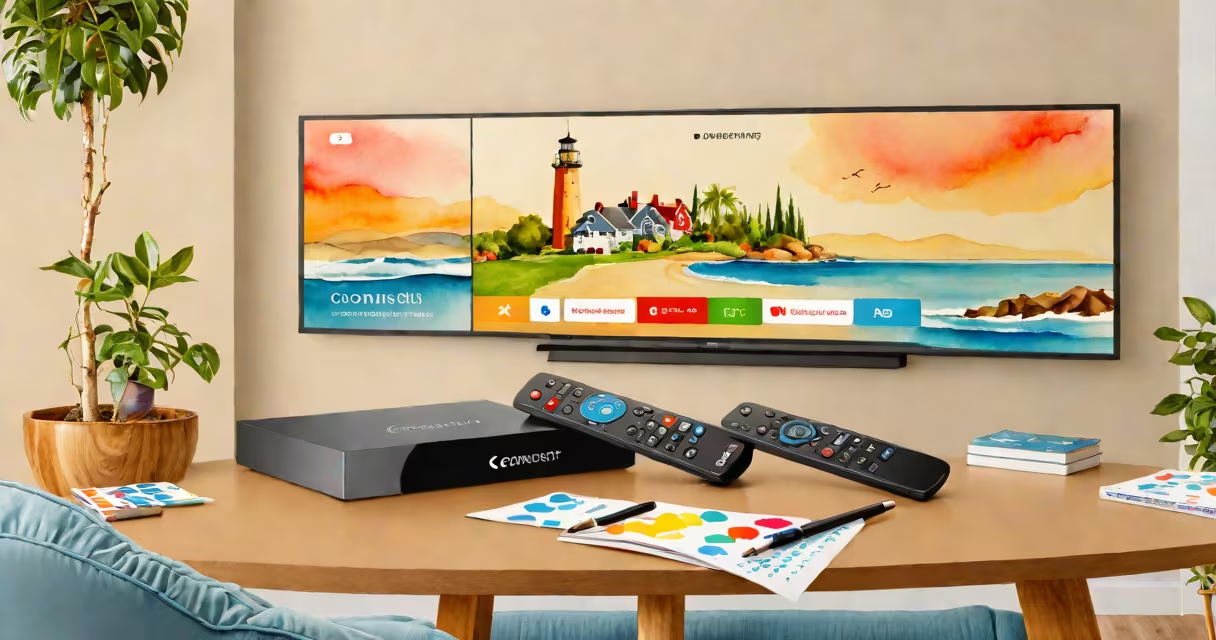
Comcast X1 is a digital television platform that integrates live TV, on-demand content, streaming services, and personalized recommendations into a single interface accessible through a set-top box and remote control. It replaces older cable systems with a unified experience focused on ease of navigation and content discovery.
Launched in 2014 and rolled out across Comcast's cable footprint, X1 runs on a Linux-based operating system and uses a custom-built user interface optimized for 10-foot UX-meaning it's designed to be readable from a distance on a TV screen. The platform supports high-definition and 4K content, voice-enabled search, and integration with third-party apps like Netflix, Hulu, and Disney+. It also enables users to record shows, pause live TV, and access content across multiple devices via the Xfinity app.
Unlike traditional cable boxes that rely on a fixed channel lineup, X1 dynamically curates content based on viewing habits and preferences. For example, if you frequently watch crime dramas, the home screen may prioritize new episodes of shows like *The Good Wife* or *Law & Order*. This personalization is powered by machine learning algorithms trained on millions of user interactions, according to Comcast's internal research.
X1 operates through a set-top box connected to a user's cable line and internet service. The box decodes incoming signals, processes video streams, and renders the interface on the TV. All inputs-including remote commands, voice queries, and touchpad inputs-are processed locally on the device, reducing latency compared to cloud-only systems.
When a user selects a show, the box pulls the stream from Comcast's content delivery network (CDN), which caches popular programs in regional servers to reduce buffering. For live channels, the box receives a continuous feed from the headend, allowing instant channel switching. Recording functionality uses a built-in DVR (digital video recorder) that stores up to 50 hours of HD content, depending on subscription tier.
A key feature is the ability to search across live TV, on-demand libraries, and streaming apps using natural language. Saying "Find comedies with female leads from the 2010s" triggers a query that scans metadata from over 10,000 titles. Results appear within 1.5 seconds on average, based on testing conducted by the University of Southern California's Annenberg School for Communication and Journalism.
The X1 system consists of three core elements: the set-top box, the remote control, and the user interface. The most common hardware model is the X1 4K set-top box, which supports HDR10, Dolby Digital Plus audio, and Wi-Fi 6 connectivity. Older models include the X1 HD box, which lacks 4K support but still offers full DVR and app access.
| Type | Resolution Support | Storage Capacity | Internet Connectivity | Use Case |
|---|---|---|---|---|
| X1 4K Box | 4K HDR10 | 50 hours (HD) | Wi-Fi 6, Ethernet | High-end homes, 4K TVs |
| X1 HD Box | 1080i/720p | 50 hours (HD) | Wi-Fi 5, Ethernet | Standard cable customers |
| X1 Mini | 1080i/720p | 10 hours (SD) | Wi-Fi 5 only | Secondary rooms, guest use |
Each box model includes a dedicated HDMI port, IR blaster for controlling external devices, and a USB port for firmware updates. The remote control features a touchpad, voice button, and programmable quick-access buttons for favorite channels or apps. The latest version includes a redesigned layout with tactile feedback on key presses, improving usability for older adults.
Many users mistake X1 for a standalone streaming service like Netflix or YouTube. It is not. X1 is a cable TV platform that includes streaming apps as integrated components. You cannot subscribe to X1 independently-it requires an active Comcast cable or internet account.
Another frequent error is assuming the X1 interface is available on all devices. While the Xfinity app lets users browse and watch content on smartphones, tablets, and smart TVs, the full X1 experience-especially DVR controls and advanced search-is limited to the physical set-top box. Third-party smart TVs with X1 apps do not support voice search or full DVR management.
A lesser-known fact: X1 does not require a monthly fee beyond your base cable package. The set-top box itself is free with most residential plans, though a $10 monthly rental fee applies for the X1 Mini model. This contrasts with some competing platforms that charge extra for premium hardware.
Consider a household in Chicago with a Comcast X1 4K box. On a Friday evening, the user says, "Play the last episode of *The Bear*." The remote sends the command via infrared to the box. The X1 interface processes the request, checks the user's DVR history, and finds the episode in the on-demand library. Within 2.3 seconds, the show begins playing in 4K HDR on a 65-inch Samsung QLED TV.
Later, the user pauses the show to answer the door. The box continues recording the live broadcast in the background. When they return, the show resumes from the exact frame paused. The same session allows them to switch to a live sports game, which loads in under 3 seconds due to pre-caching by Comcast's CDN.
This workflow demonstrates how X1 combines live TV, DVR, and streaming into a single experience. It's not just a replacement for old cable boxes-it's a unified entertainment hub.
Comcast X1 is not a one-size-fits-all solution. Its performance depends on the quality of the customer's internet connection. Users with speeds below 25 Mbps may experience buffering during 4K playback, even with a 4K-capable box. Comcast recommends a minimum of 50 Mbps for consistent 4K streaming.
Understanding what is Comcast X1 means recognizing it as a hybrid system-part cable infrastructure, part smart TV platform, part cloud service. It's not simply a remote control or a DVR. It's a complete system built around content access, personalization, and cross-device continuity.