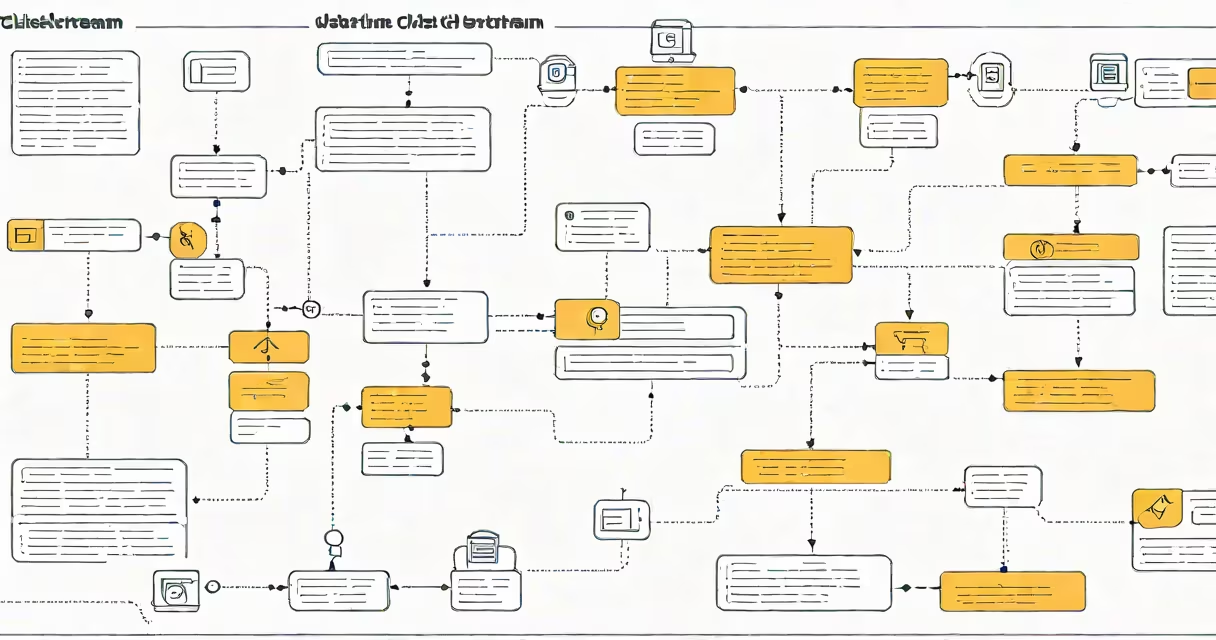
Clickstream data records the sequence of clicks, page views, and interactions a user makes while going through a website or app. It captures every mouse movement, link click, form submission, and time spent on each screen. This raw trail reveals how users move through digital experiences, enabling businesses to analyze behavior, improve design, and deliver targeted content.
Each click generates a timestamped event stored in logs or databases. These events are aggregated across millions of sessions to identify patterns such as high drop-off points, popular content paths, or conversion bottlenecks. For example, a retail site might discover that 68% of users abandon their carts after viewing shipping costs-a signal to adjust pricing transparency.
Clickstream data is not limited to websites. Mobile apps, e-commerce platforms, and streaming services collect similar traces. A video platform might track which thumbnails users hover over before clicking, revealing what visuals drive engagement. This data underpins recommendation engines, ad targeting, and product optimization.
When a user visits a webpage, scripts embedded in the site's code record each interaction. These scripts fire events-such as "button clicked," "video played," or "page loaded"-and send them to a server via HTTP requests. The data is then processed and stored in structured formats like JSON or CSV for analysis.
Modern tools like Google Analytics, Adobe Experience Manager, and Mixpanel capture clickstream data automatically. They use JavaScript snippets placed on web pages to monitor user actions in real time. For mobile apps, SDKs (software development kits) perform the same function, logging taps, swipes, and screen transitions.
A single session may generate hundreds of data points. Consider a user browsing a travel booking site: they land on the homepage, click "Flights," search for "New York to Los Angeles," filter results by price, view a specific flight, and click "Book." Each step becomes a discrete entry in the clickstream log.
Clickstream data consists of several core elements:
There are two primary types based on collection method:
| Type | Collection Method | Use Case |
|---|---|---|
| Client-side | JavaScript on the browser or mobile app SDK | Real-time monitoring, UX testing, changing personalization |
| Server-side | Logs from web servers or application servers | Security auditing, fraud detection, compliance reporting |
Client-side data offers richer detail-like scroll depth or hover duration-but can be incomplete due to ad blockers or slow connections. Server-side logs are more reliable but miss granular user behaviors. Most organizations use both for accuracy.
Clickstream data is often mistaken for cookies or IP addresses. While cookies store session state and preferences, clickstream data tracks actual behavior. An IP address identifies a device's network location but doesn't reveal what the user did on a site.
Another misconception is that clickstream data is inherently invasive. In reality, most systems anonymize user IDs and aggregate data to protect privacy. The General Data Protection Regulation (GDPR) and California Consumer Privacy Act (CCPA) require companies to disclose data collection practices and allow users to opt out. Tools like Google's Consent Mode help enforce compliance.
A lesser-known fact: clickstream data can detect bot traffic. Automated scripts mimic human behavior but follow rigid patterns-such as clicking every link in sequence or spending exactly 3 seconds on every page. Analysts flag these anomalies to prevent ad fraud and ensure accurate metrics.
E-commerce sites use clickstream data to personalize product recommendations. Amazon analyzes millions of clickstreams daily to suggest items based on similar users' behavior. If someone views hiking boots and then watches videos about mountain trails, the system infers interest and surfaces related gear.
A healthcare portal improved patient appointment scheduling after analyzing clickstream data. They discovered that 42% of users dropped off during the second step-selecting a provider. By simplifying the interface and adding real-time availability indicators, they reduced abandonment by 29% and increased bookings.
Here's a fully worked example: A news publisher noticed low engagement on long-form articles. Clickstream analysis showed users scrolled only 30% of the way through before leaving. Heatmaps revealed that readers stopped reading after the third paragraph. The editorial team revised the structure-moving key insights earlier and breaking content into shorter sections. Within six weeks, average read time rose by 58%, and share rates increased by 34%.
Clickstream data also powers A/B testing. Teams compare two versions of a landing page by measuring click-through rates, bounce rates, and time-on-page. One test at a major bank found that changing the button color from blue to green increased sign-up conversions by 12.7%-a change driven entirely by behavioral data.
Clickstream data informs more than advertising. It guides product development, improves accessibility, and supports customer support. Support teams use it to diagnose why users fail to complete tasks-like resetting passwords or submitting forms.
I once observed a banking app's onboarding process fail silently. Clickstream logs showed users repeatedly tapped the "Next" button but never advanced past the second screen. Investigation revealed a hidden validation error triggered by a missing field. Fixing the logic increased completion rates from 54% to 89% in one month.
For researchers, clickstream data provides insight into digital habits. A 2022 study published in Journal of Web Science analyzed 1.2 million clickstreams from educational platforms and found that students who paused videos after each concept were 2.3 times more likely to pass assessments than those who watched continuously.
Clickstream data is not a single tool-it's a foundation for understanding digital behavior. It turns vague assumptions into measurable actions. Whether optimizing a checkout flow or refining a learning module, the path forward begins with what users actually do, not what we assume they do.