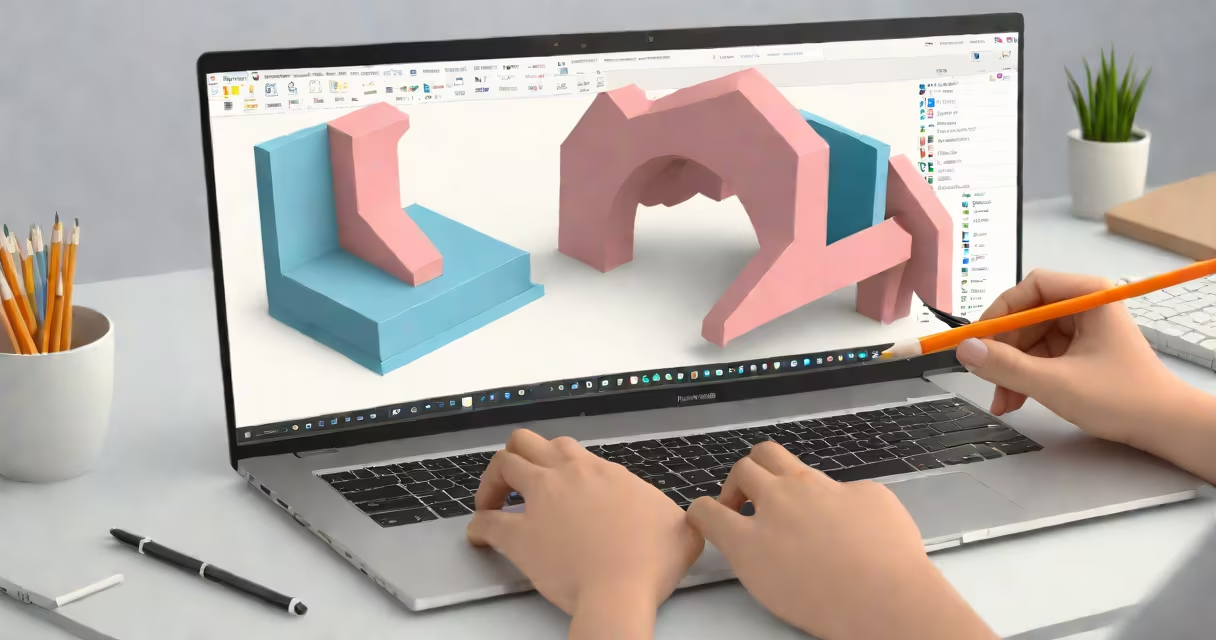
A free 3D sketch program is a software application that enables users to create, edit, and manipulate three-dimensional digital models at no cost. These tools support modeling, texturing, rigging, and rendering, often with features comparable to paid professional software. They are widely used by students, hobbyists, and independent creators who lack budget access to commercial packages.
Free 3D sketch programs operate through graphical user interfaces (GUIs) that allow direct manipulation of geometry using tools like extrusion, Boolean operations, and subdivision surfaces. Most run on Windows, macOS, and Linux, with some offering web-based versions accessible via browser. Core functions include polygonal modeling, camera control, lighting setup, and export to standard formats like OBJ, FBX, or STL for 3D printing.
These programs typically rely on open-source codebases or community-driven development. Popular examples include Blender, FreeCAD, and Tinkercad. While they offer solid functionality, performance varies based on hardware and complexity of projects. Some require learning curves due to non-intuitive workflows or limited documentation.
At their core, free 3D sketch programs use computational geometry to represent objects as collections of vertices, edges, and faces. Users interact with a 3D viewport where they can rotate, zoom, and pan views in real time. Tools such as the move, scale, and rotate gizmos allow precise adjustments. Modeling modes include box modeling, edge loop editing, and sculpting with changing brushes.
Under the hood, these programs use libraries like OpenSubdiv for subdivision surface calculations and Bullet Physics for simulating rigid bodies and collisions. Rendering engines such as Cycles (in Blender) or Eevee provide real-time previews and final output with ray tracing, shadows, and reflections. All actions are stored as scene files that preserve hierarchy, materials, and animation keyframes.
For example, Blender's viewport uses OpenGL for hardware-accelerated display. When you select a cube and press E to extrude, the software calculates new vertex positions relative to the original mesh. This change updates instantly in the 3D view and is saved when you export the file. The entire process happens within milliseconds on modern GPUs.
Different free 3D sketch programs serve distinct purposes. Here's a comparison of major options:
| Program | Best For | Modeling Type | Export Formats | Learning Curve |
|---|---|---|---|---|
| Blender | Animation, game assets, visual effects | Polygonal & sculpting | OBJ, FBX, GLTF, STL | High |
| FreeCAD | Engineering, CAD, parametric design | Parametric & solid modeling | STEP, IGES, STL | Moderate |
| Tinkercad | Beginners, 3D printing, education | Primitive-based, Boolean operations | STL, SVG, PDF | Low |
| SketchUp Free | Architectural visualization, quick prototyping | Push-pull, face-based modeling | SKP, STL, PDF | Low |
Blender supports advanced features like particle systems, fluid simulation, and node-based material creation. It's used professionally in film and game production. FreeCAD focuses on precision engineering, allowing users to define dimensions and constraints explicitly. Tinkercad runs entirely in the browser and uses a simplified interface ideal for teaching basic spatial reasoning.
A lesser-known fact: many free 3D sketch programs do not include built-in physics simulation unless enabled manually. For instance, Blender requires activating the Dynamics tab and assigning rigid body properties to objects. Without this step, objects fall through floors during animation. This detail is often missed in beginner tutorials.
Users frequently assume that "free" means "limited." While some free 3D sketch programs restrict export formats or disable certain plugins, most high-quality tools offer full functionality. Blender, for example, includes animation, compositing, and video editing tools-features absent in many paid alternatives.
Another confusion arises between 3D sketch programs and 2D drawing apps. A tool like Krita is excellent for digital painting but cannot manipulate depth or perspective in 3D space. Conversely, a program like Sculptris (now part of ZBrush Core) allows organic modeling but lacks parametric controls. Distinguishing between modeling types prevents mismatched expectations.
I once spent two hours trying to texture a 3D model in a lightweight web app that didn't support UV unwrapping. The issue wasn't the software-it was my misunderstanding of its capabilities. After switching to Blender, I completed the task in under 20 minutes. That experience taught me to verify feature sets before starting a project.
Free 3D sketch programs are ideal for prototyping, education, and personal projects. Students use them to learn spatial design principles. Artists model characters for games or animations. Engineers test mechanical parts before fabrication. Hobbyists print custom figurines or home accessories.
For example, a high school teacher used Tinkercad to guide students through designing a functional gear system. Each student created a 3D-printable gear set, exported it as STL, and printed it on a low-cost desktop printer. The class achieved 94% success rate in assembly, demonstrating how accessible tools enable hands-on STEM learning.
Professional studios sometimes use free 3D sketch programs for early concept stages. Pixar's short film *Kitbull* began with rough models made in Blender before transitioning to proprietary software. This workflow reduces initial costs and accelerates ideation.
Despite their benefits, free 3D sketch programs have trade-offs. Performance degrades with complex scenes. Some lack native support for VR or AR integration. Exporting to formats required by specific platforms (like Unity or Unreal Engine) may involve additional steps. Always test compatibility before finalizing a project.
Understanding what a free 3D sketch program offers helps avoid frustration and wasted time. These tools deliver useful results when matched to the right task and user level.