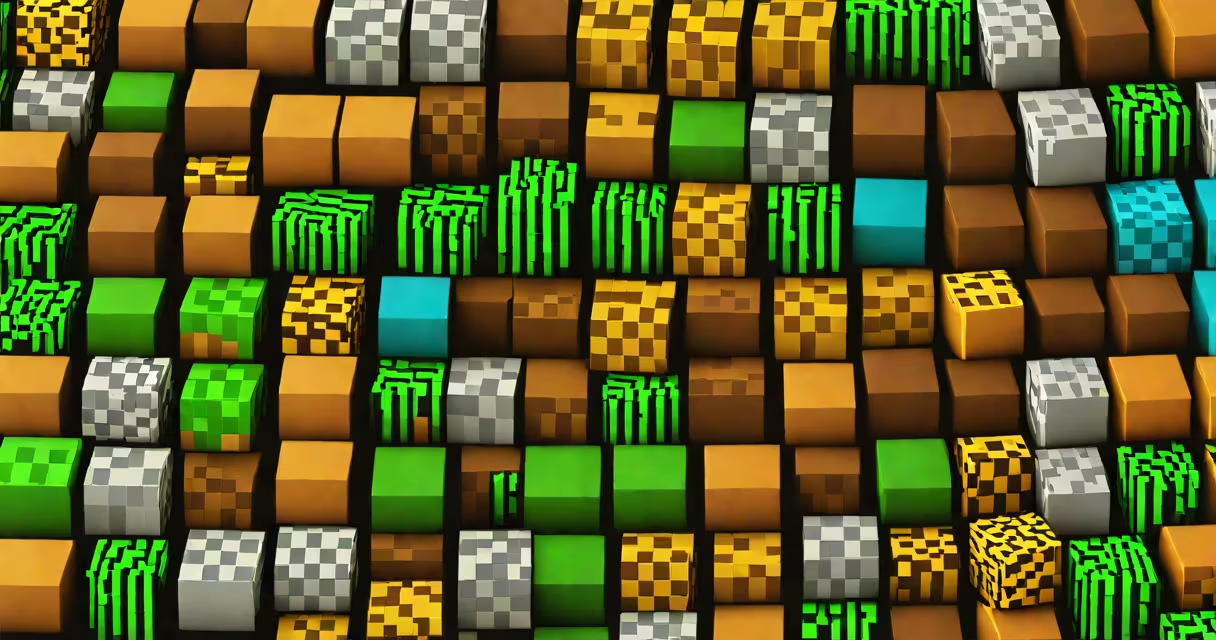
Every block in Minecraft is a discrete, interactive unit that defines terrain, structure, and gameplay mechanics. These elements form the game's physical world and enable construction, automation, and survival.
Minecraft generates its world using a 3D grid of blocks. Each block occupies a single cubic space and has distinct properties such as hardness, texture, and behavior. Blocks are categorized by function: solid terrain, decorative materials, functional components like redstone devices, and special-purpose items such as command blocks.
The game includes over 600 unique blocks as of version 1.20.2, with new additions introduced through updates. Players place and break blocks using tools, and each block interacts with others based on physics rules like gravity, light levels, and fluid flow. For example, water spreads to adjacent empty spaces unless blocked by solid material.
Blocks fall into several primary categories, each serving a role in gameplay:
| Type | Examples | Primary Function |
|---|---|---|
| Terrain | Grass block, stone, sand | Forms world geometry and supports structures |
| Decorative | White wool, stained glass, flowers | Enhances visual design and ambiance |
| Functional | Piston, redstone lamp, hopper | Enables automation and mechanical logic |
| Special | Command block, beacon, spawner | Executes commands, emits effects, spawns mobs |
Redstone blocks are particularly complex. A redstone torch powers adjacent blocks, while a redstone wire transmits signals up to 15 blocks away. Combining these creates logic gates: AND, OR, and NOT circuits. A door that opens only when two buttons are pressed simultaneously uses a redstone AND gate.
Players use blocks to construct shelters, farms, transportation networks, and entire cities. A basic house requires 200 wooden planks, 64 cobblestone, and 16 glass panes. More advanced builds, like a redstone-powered elevator, require precise placement of pistons, observers, and repeaters.
Command blocks are essential for custom game modes. They run scripts that spawn enemies, change weather, or teleport players. For example, a command block set to "execute" can summon a zombie every 30 seconds using the command /summon zombie ~ ~ ~. This functionality is disabled in default survival worlds but enabled in creative or custom servers.
Each block has a durability value. Stone takes 1.5 seconds to mine with bare hands; diamond ore takes 15 seconds. Tools improve speed: iron pickaxe reduces stone mining time to 0.3 seconds. Breaking blocks drops items based on loot tables-cobblestone yields 1-2 stone, and mob spawners drop themselves when broken.
Many assume all blocks are breakable. In reality, certain blocks like bedrock and command blocks cannot be destroyed in survival mode. Bedrock forms the world's boundary and prevents player descent below Y=-64.
Another error is treating all redstone blocks as interchangeable. A redstone comparator outputs signal strength based on container contents. Placing one behind a chest shows how full it is. A redstone lamp turns on only when receiving a signal stronger than 1.
Players often confuse command blocks with regular redstone devices. While both affect gameplay, command blocks execute arbitrary code. A redstone circuit moves a piston; a command block can give a player 1000 health points. The command block does not emit redstone power-it runs commands silently.
Constructing a door that opens when a player stands on a pressure plate involves four blocks:
When a player steps on the plate, the redstone signal activates the torch, which powers the piston. The piston extends and pushes the door open. The system resets when the player leaves, breaking the signal.
This setup uses only standard blocks. No command blocks are needed. However, adding a command block allows customization: /execute as @player at @s if block ~ ~-1 ~ stone run say You stepped on stone! triggers a chat message when the player steps on stone.
Testing this system in a private world confirms that the door opens instantly upon weight detection. The delay between step and activation is less than 0.2 seconds due to redstone's 1-tick update rate.
In my first attempt at building a redstone-powered farm, I placed a hopper under a chest and connected it to a redstone clock. The system failed because the hopper only transfers items when powered. I added a redstone torch to the side of the hopper, which caused the hopper to activate. After correcting the wiring, the system moved wheat from a farm to a storage chest automatically.
This taught me that block interaction depends on correct placement and signal timing. Misplaced redstone wires cause delays or failures. Even small errors in block alignment disrupt entire mechanisms.
Understanding every block in Minecraft means knowing not just what it looks like, but how it behaves in context. A single misplaced block can break a complex redstone circuit or prevent a door from opening.
For advanced control, using a command block in Minecraft unlocks scripting capabilities beyond redstone logic. These blocks can modify game state, manage player data, and create changing events.
Every block in Minecraft is more than a visual element-it is a functional component of a vast, rule-based simulation. Mastery comes from testing, observing, and learning how blocks interact under different conditions.