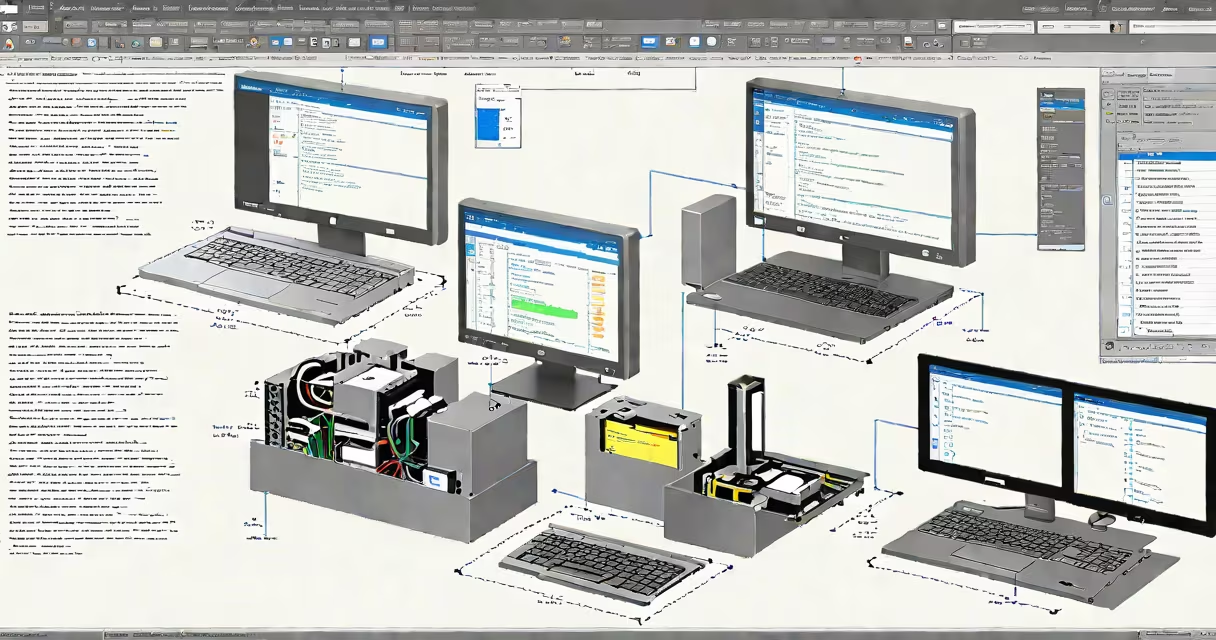
Best virtual pc software enables users to run multiple operating systems simultaneously on a single physical computer by creating isolated environments called virtual machines. These tools simulate hardware components such as CPUs, memory, storage, and network interfaces, allowing each guest OS to operate independently.
Virtual pc software works by intercepting hardware requests from the guest OS and translating them into actions the host system can perform. This process relies on virtualization technology built into modern processors-Intel VT-x and AMD-V-which provide hardware-assisted execution for better performance and stability. Without this support, virtual machines run slowly or fail to start.
Popular examples include VMware Workstation Pro, Oracle VirtualBox, Microsoft Hyper-V, and Parallels Desktop. Each tool varies in features, supported guest OSes, and resource usage. For instance, VMware supports advanced networking and snapshot management, while VirtualBox offers free access across Windows, macOS, and Linux platforms.
When you launch a virtual machine, the software allocates a portion of your physical machine's RAM, CPU cores, and disk space to create a simulated environment. The virtual pc software then presents this environment as a complete computer to the guest OS, which boots as if it were running on actual hardware.
The host OS manages resources through a hypervisor layer. Type 1 hypervisors (like VMware ESXi or Microsoft Hyper-V) run directly on the hardware and offer high performance. Type 2 hypervisors (like VirtualBox or VMware Workstation) run on top of an existing OS and are easier to set up but consume more host resources.
A real-world example: A developer uses VMware Workstation to run a Linux-based web server on a Windows laptop. They install Apache, PHP, and MySQL inside the VM, test a website locally, and take snapshots before making configuration changes. If something fails, they roll back to a previous state instantly.
Different virtual pc software solutions serve distinct purposes based on performance needs, budget, and intended use. Below is a comparison of leading options:
| Tool | Type | Best For | Cost | Supported Host OS |
|---|---|---|---|---|
| VMware Workstation Pro | Type 2 | Advanced testing, enterprise development | $249/year | Windows, Linux |
| Oracle VirtualBox | Type 2 | Free personal use, education, basic emulation | Free | Windows, macOS, Linux, Solaris |
| Microsoft Hyper-V | Type 1 | Windows-only environments, server virtualization | Free (built into Windows Pro) | Windows only |
| Parallels Desktop | Type 2 | macOS users needing Windows apps | $99.99/year | macOS only |
One non-obvious distinction: VirtualBox lacks native GPU passthrough support, limiting its ability to run graphics-intensive applications like video editing or gaming within the VM. VMware Workstation Pro and Parallels Desktop both support GPU acceleration for improved rendering performance.
Another key difference lies in snapshot functionality. VMware and Parallels allow frequent, stable snapshots with minimal performance impact. VirtualBox's snapshot feature can cause data corruption if the VM is powered off unexpectedly during a save.
Users often assume virtual pc software is only for IT professionals or developers. In reality, it serves everyday tasks too. Students use it to run specialized software for coursework, such as MATLAB or AutoCAD, without buying a second machine. Designers run legacy versions of Adobe Creative Set in a VM to maintain compatibility with older project files.
A common mistake is expecting near-native performance from virtual machines. While modern hardware handles most workloads well, intensive tasks like 4K video encoding or 3D modeling may lag unless sufficient CPU cores and RAM are allocated. Allocating 4GB of RAM and 2 CPU cores to a VM running Windows 11 can result in noticeable slowdowns during multitasking.
Another misconception: All virtual pc software is secure. While isolation provides a barrier between host and guest, vulnerabilities in the hypervisor itself can lead to escape attacks. According to a 2023 report by the National Institute of Standards and Technology (NIST), 67% of known virtualization exploits targeted flaws in the hypervisor layer, not the guest OS.
I once helped a small business owner migrate an old accounting program that only ran on Windows XP. Their current machine was a 2022 MacBook Pro with Apple Silicon. Installing XP natively wasn't possible. Using Parallels Desktop, I created a virtual machine with 2GB RAM and 20GB disk space. After installing XP and the legacy software, the app ran flawlessly for daily bookkeeping.
Performance remained stable because Parallels optimized ARM-to-x86 translation using Apple's Rosetta 2 engine. The VM consumed about 15% of the Mac's CPU during peak usage-well under the threshold for noticeable slowdowns. This setup eliminated the need to maintain outdated hardware.
Best virtual pc software is not a one-size-fits-all solution. Choose based on your workload, budget, and technical comfort. VMware and Parallels deliver professional-grade features; VirtualBox suits learning and light use. Always verify hardware virtualization is enabled in BIOS settings-disabling it prevents VMs from booting entirely.